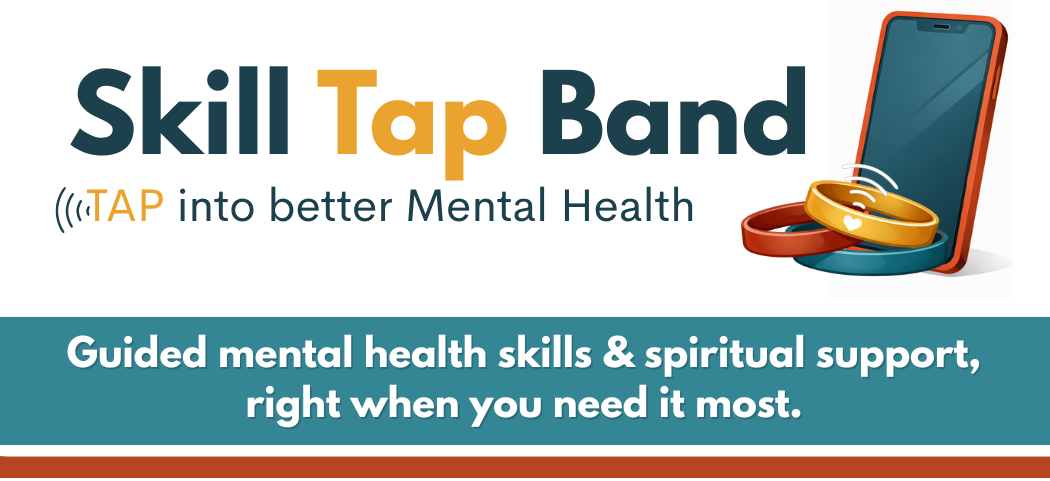
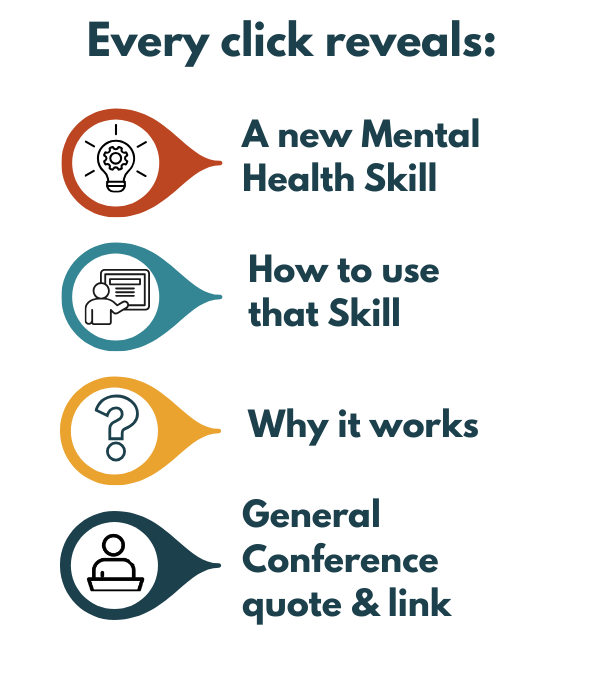
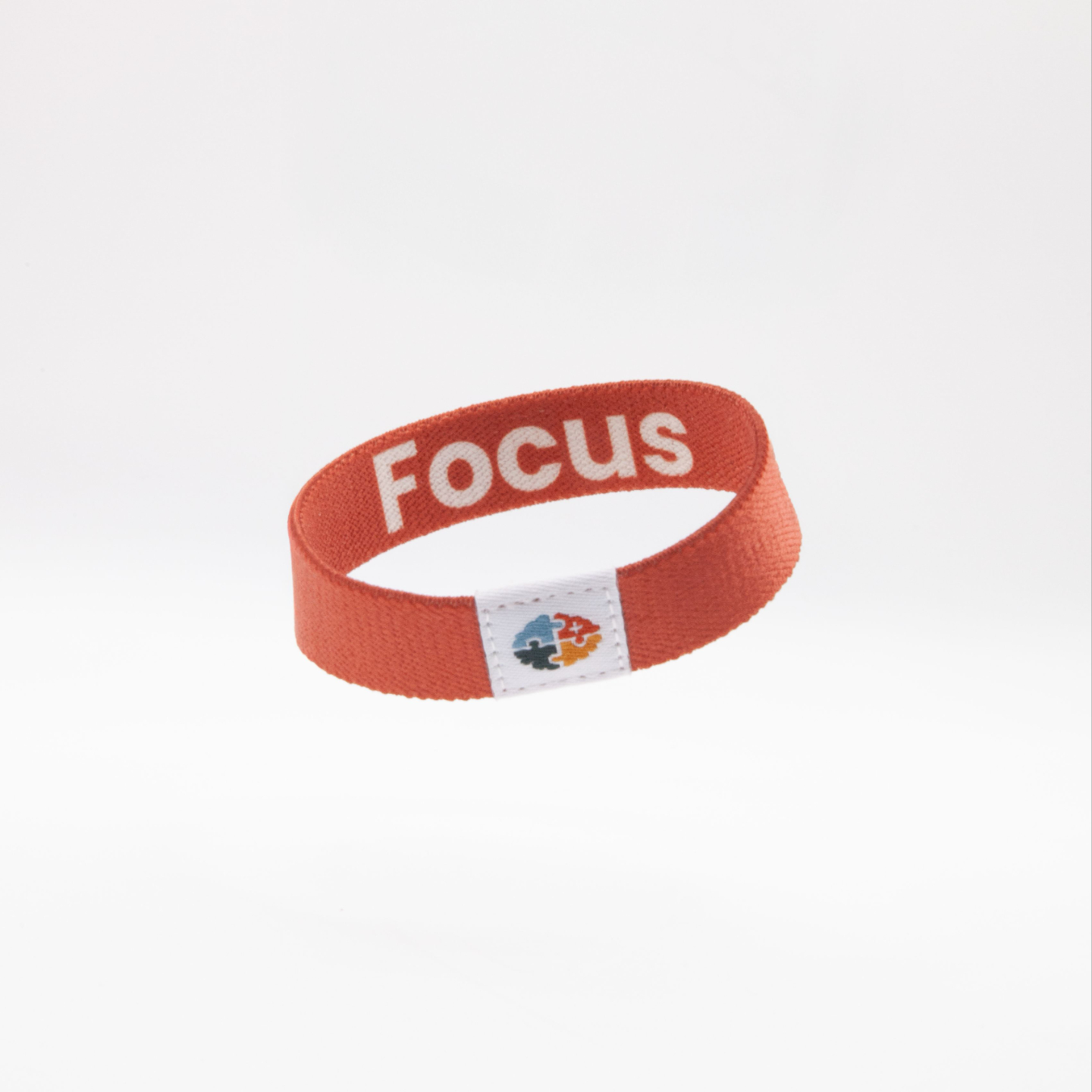
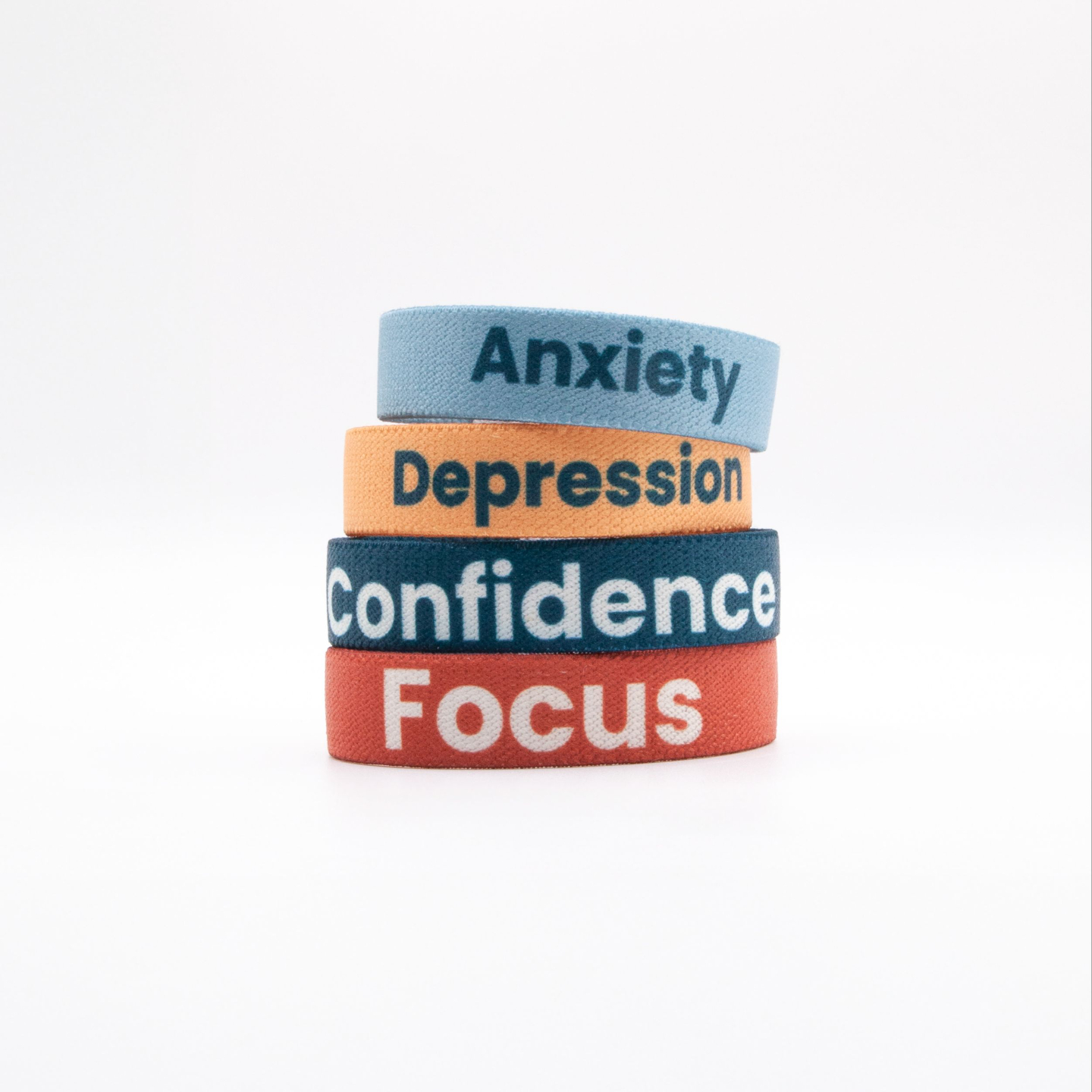
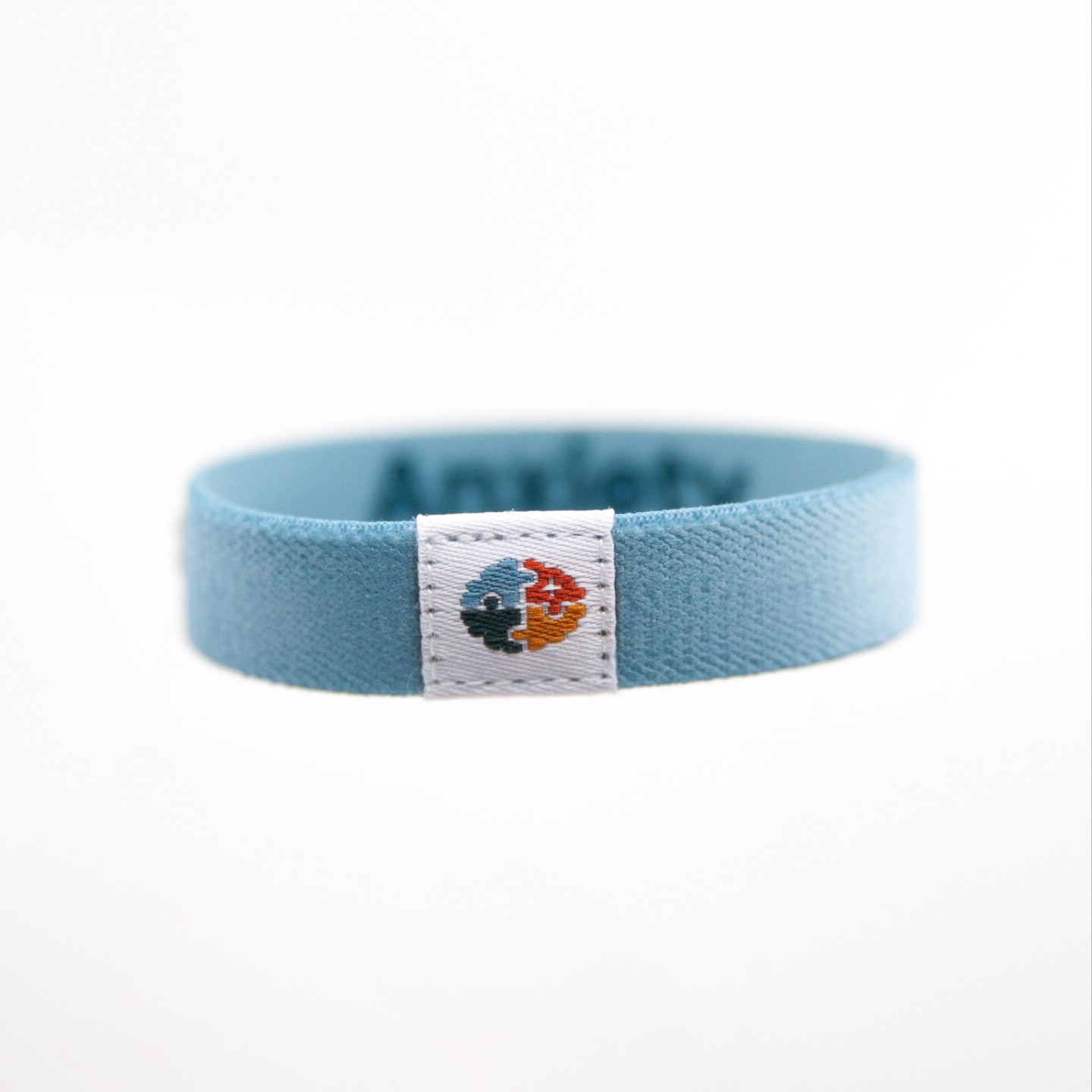
Tap your bracelet to your phone to get skills
Troubleshooting tips HERE

Newsletter
Join my weekly newsletter for spiritual encouragement, practical resources, freebies, and updates you won’t want to miss.
LDS Mental Health Co. is an independent organization and is not affiliated with, sponsored by, or endorsed by The Church of Jesus Christ of Latter-day Saints. The views expressed are those of LDS Mental Health Co. and its contributors.