Tutorial for Leaving a Podcast Review and Subscribing
Sep 03, 2021Subscribing to an Apple Podcast
Apple recently changed the term subscribing to follow in the podcast app. Here are the instructions to follow a podcast so that you automatically get the new episodes downloaded when they are released.
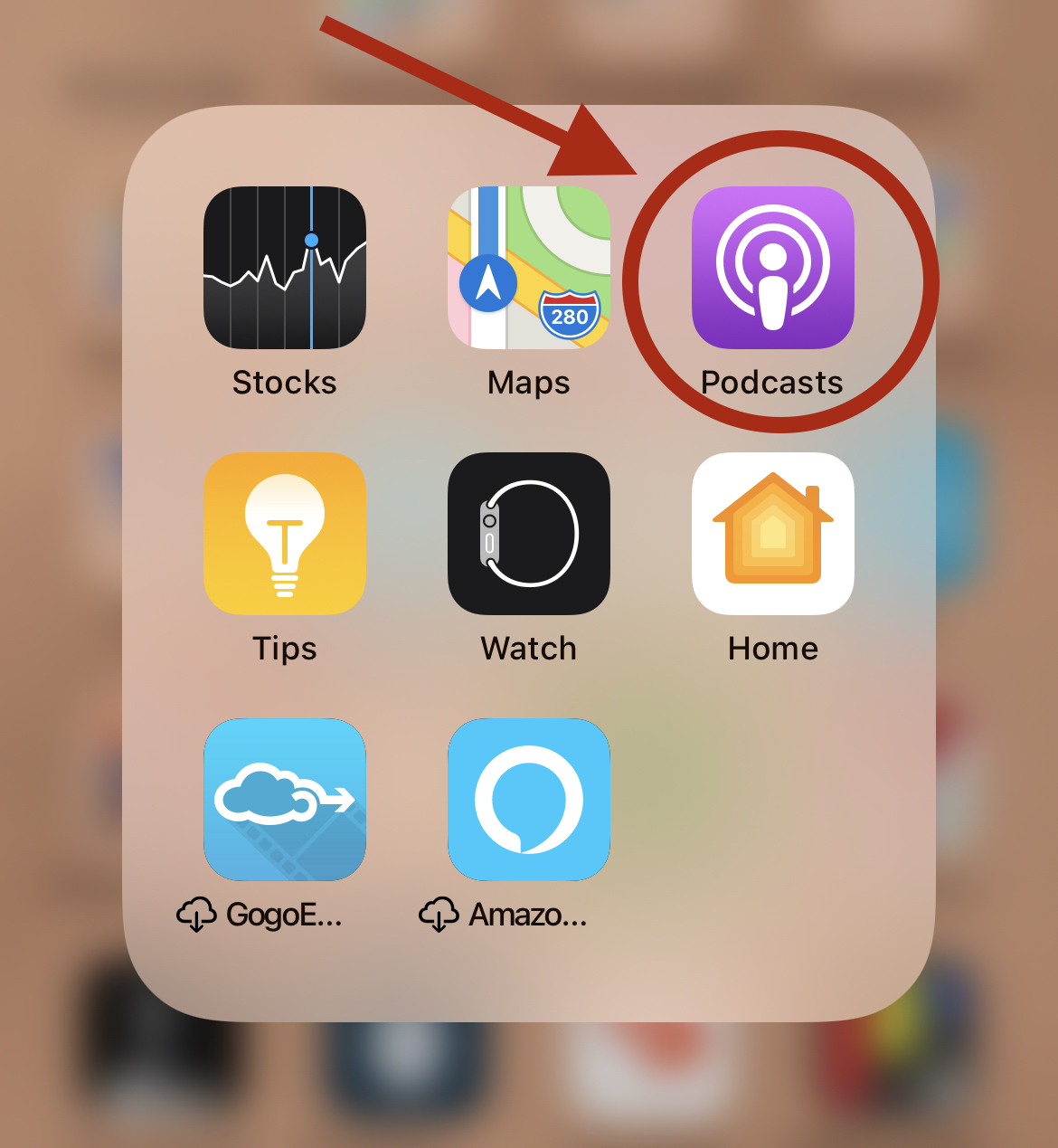
1. Find your Apple Podcast App. It is purple.
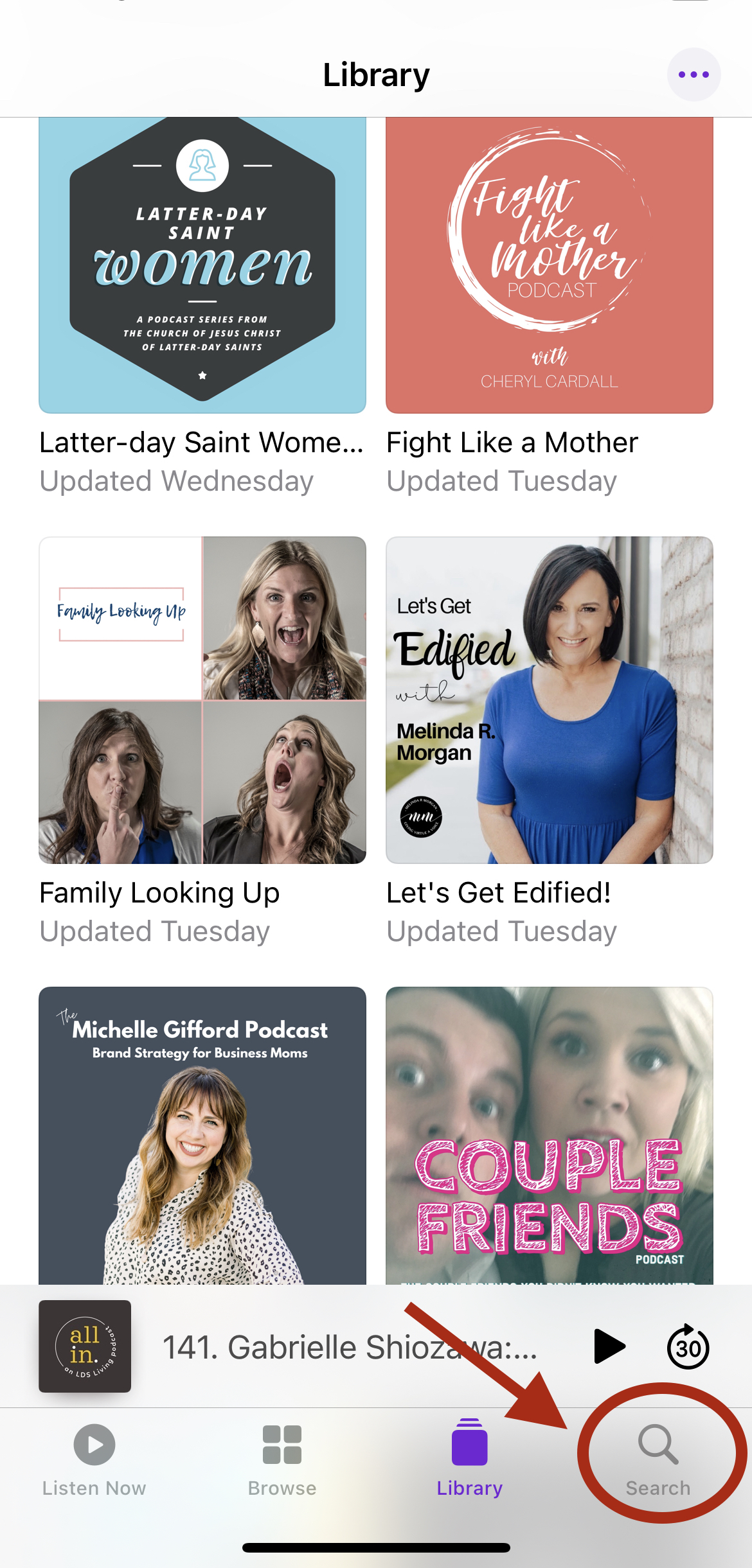
2. Click on the search button on the bottom right corner
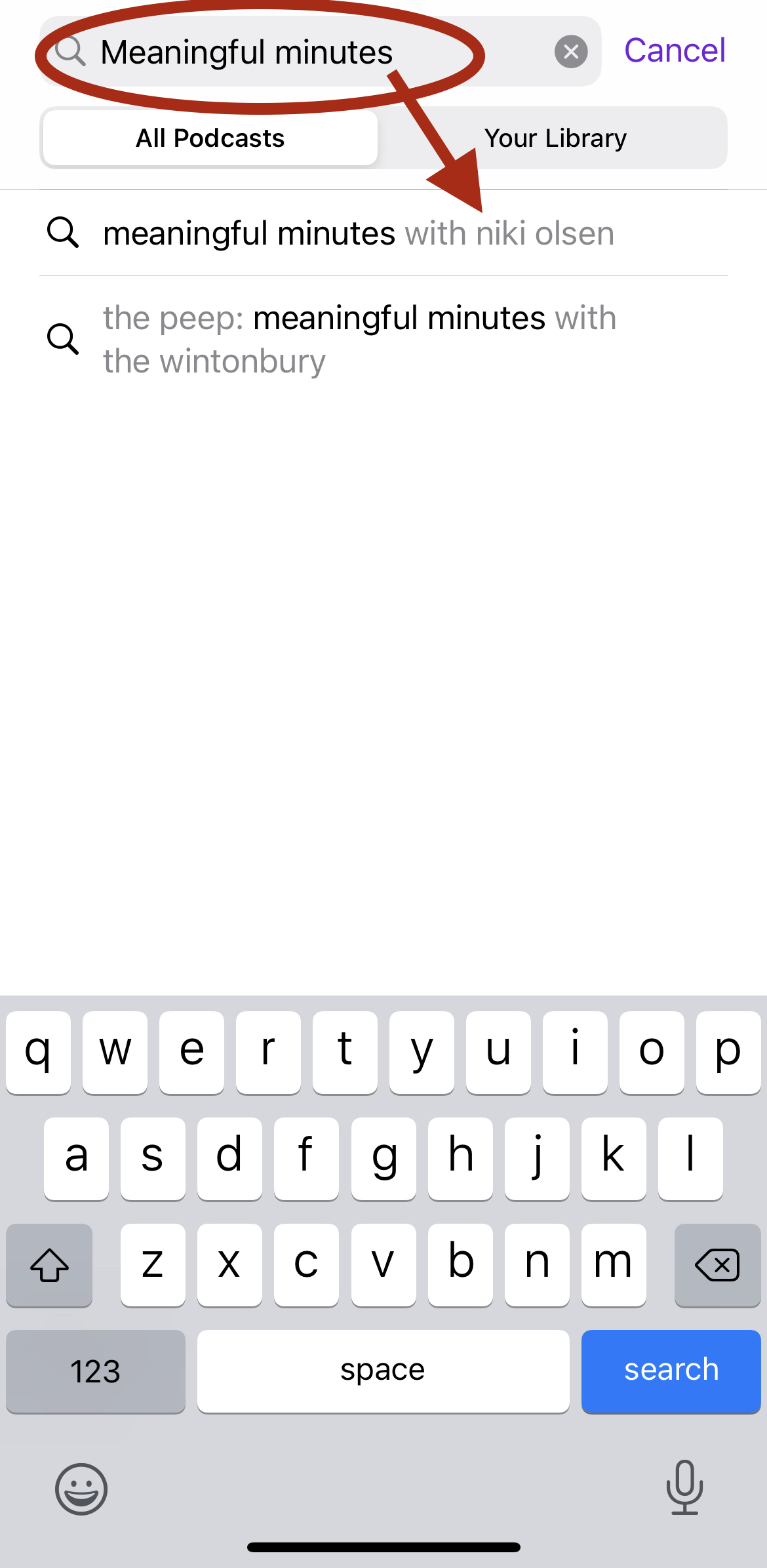
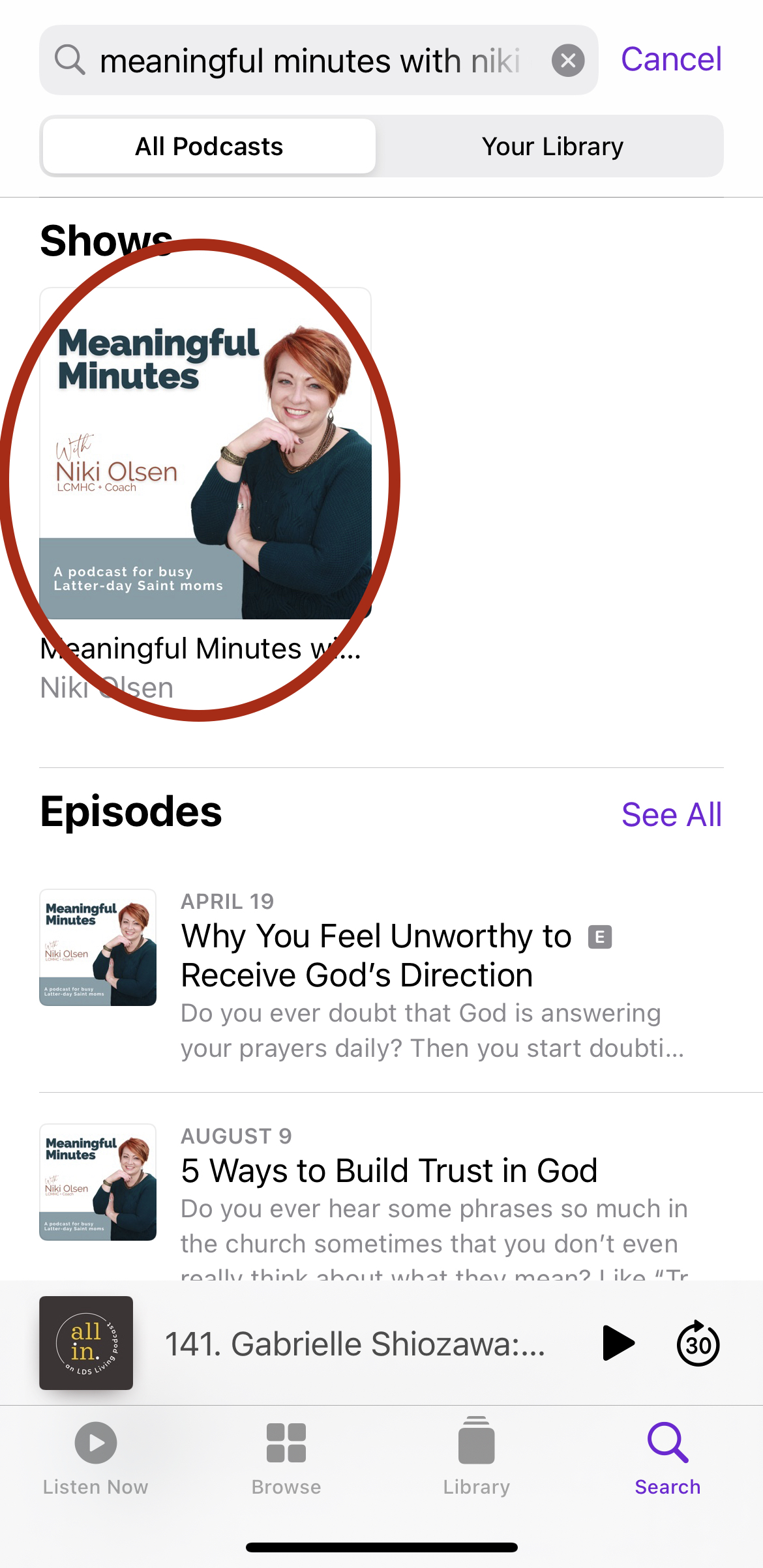
3. Type in Meaningful Minutes and the podcast will pop up
4. Tap on the Meaningful Minutes podcast icon
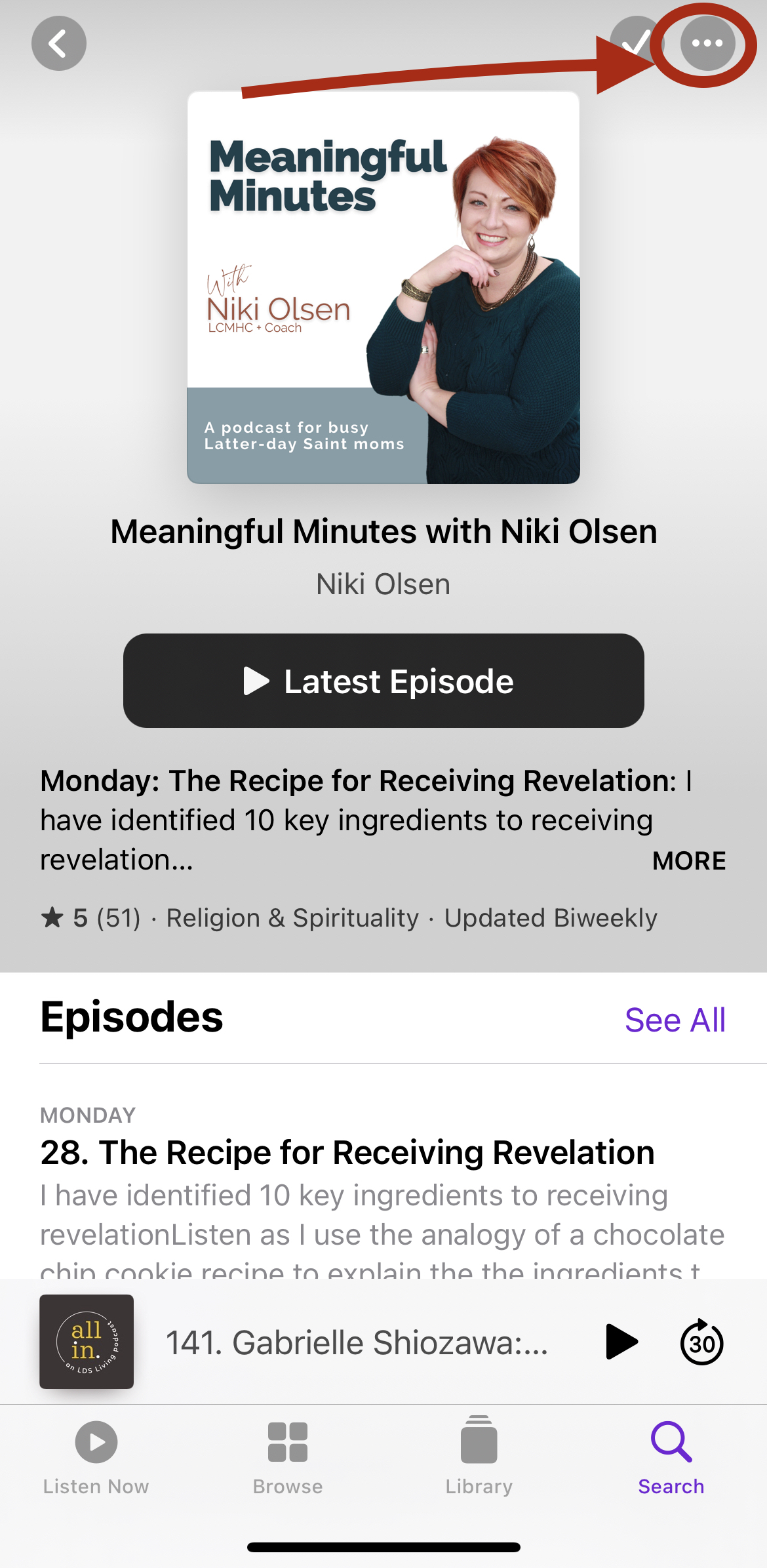
5. Tap the three dots in the upper right corner
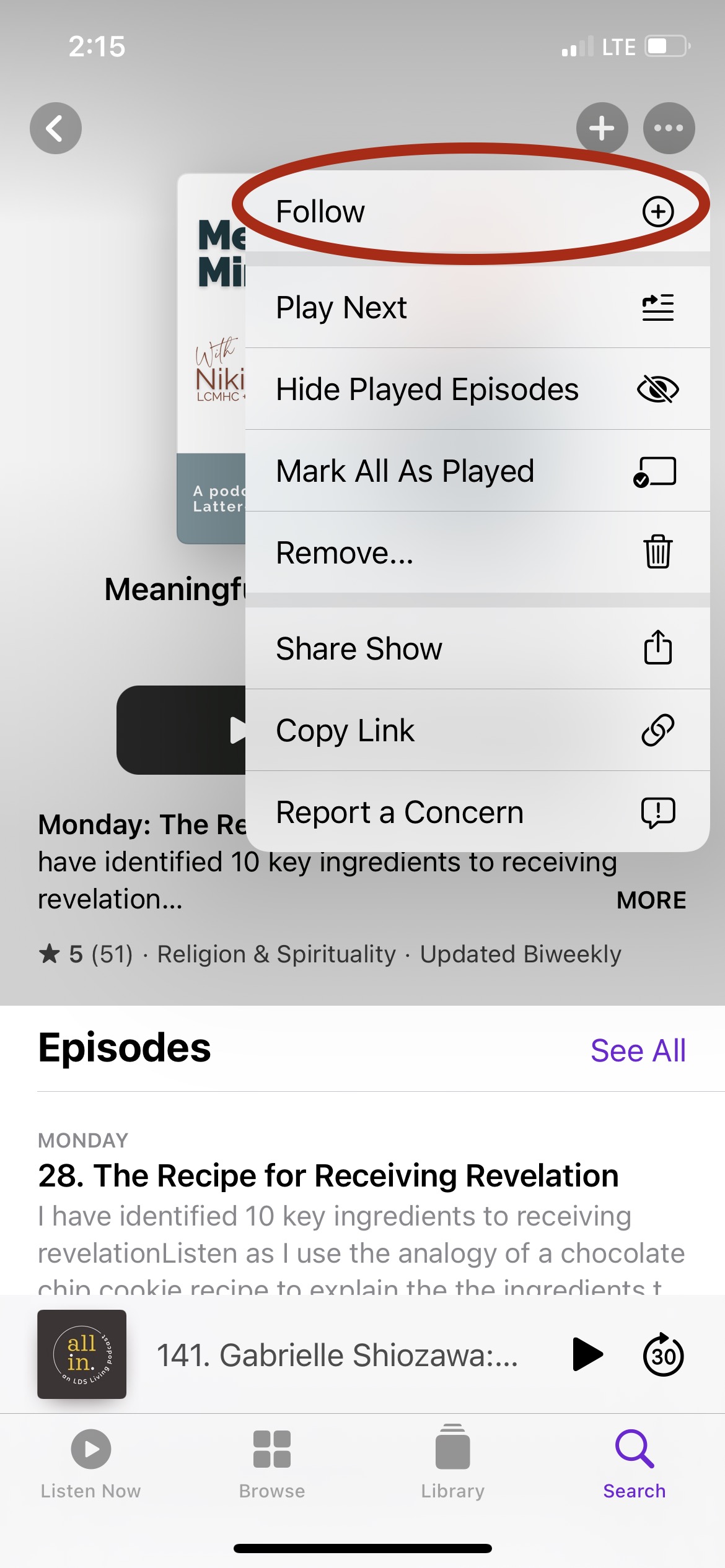
6. Click the plus sign next to "Follow" and you are all set. Now each week the new episodes will download for you.
Leaving a podcast review
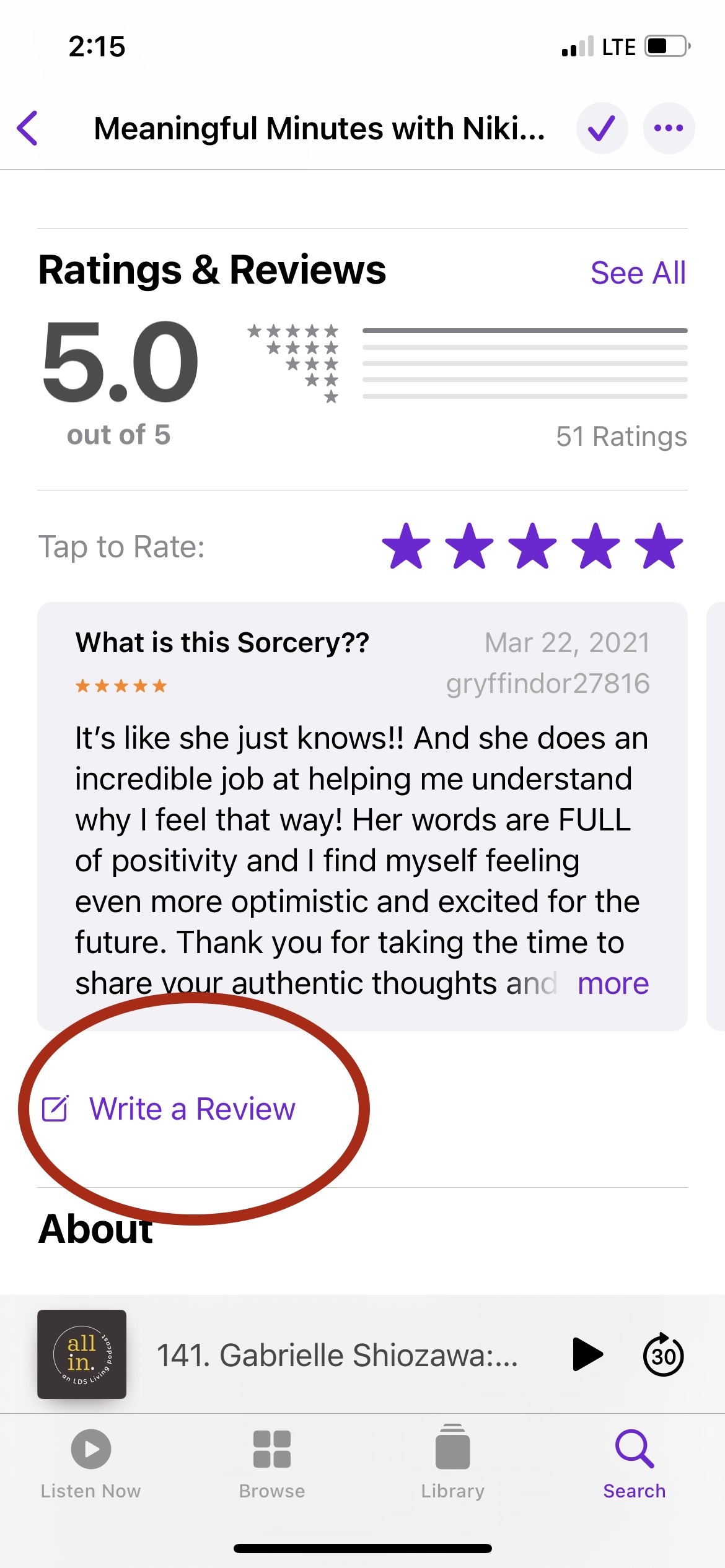
1. After subscribing, scroll to the bottom of the page until you see "Ratings and Reviews. Click on the "write a review" button
2. Leave a review and rating then click send. (It can take a few days before the review shows up)

No spam. Just opening details and helpful resources.